Bullet Time 360Click to change template
Upload a clear photo of a person, animal or object.
Kling sets the duration, resolution and audio for this scene.
Expected output: 5 seconds · 1080p. Actual output may vary.
Upload a clear photo of a person, animal or object.
Click or drag image here, Maximum upload 1 images
One JPG/JPEG or PNG image, up to 10MB, at least 300 × 300 pixels; width-to-height ratio 0.4–2.5.
Output Preview
Processing Time: 1-3 minutes
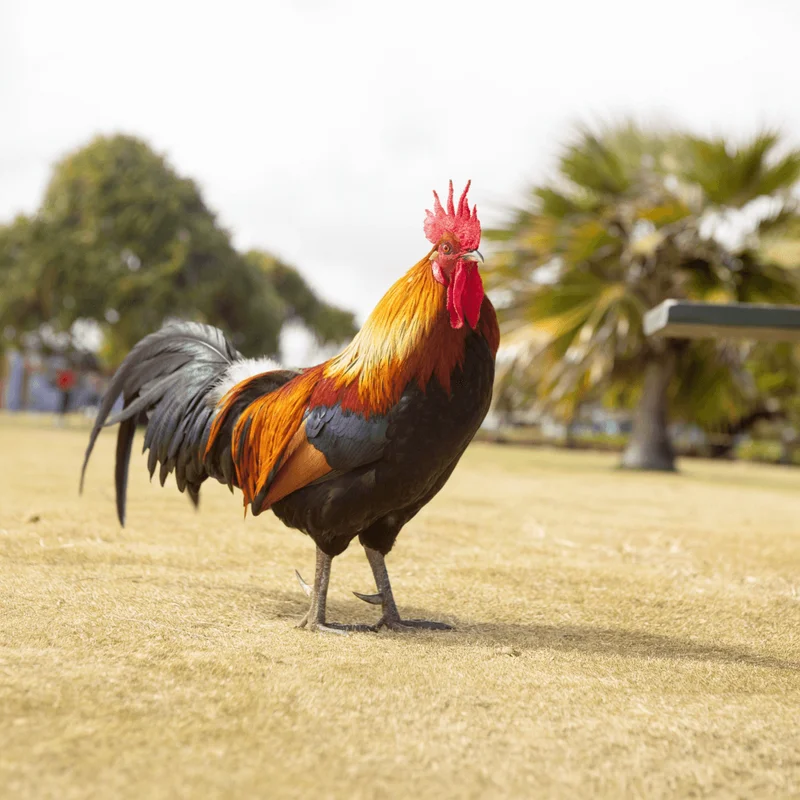
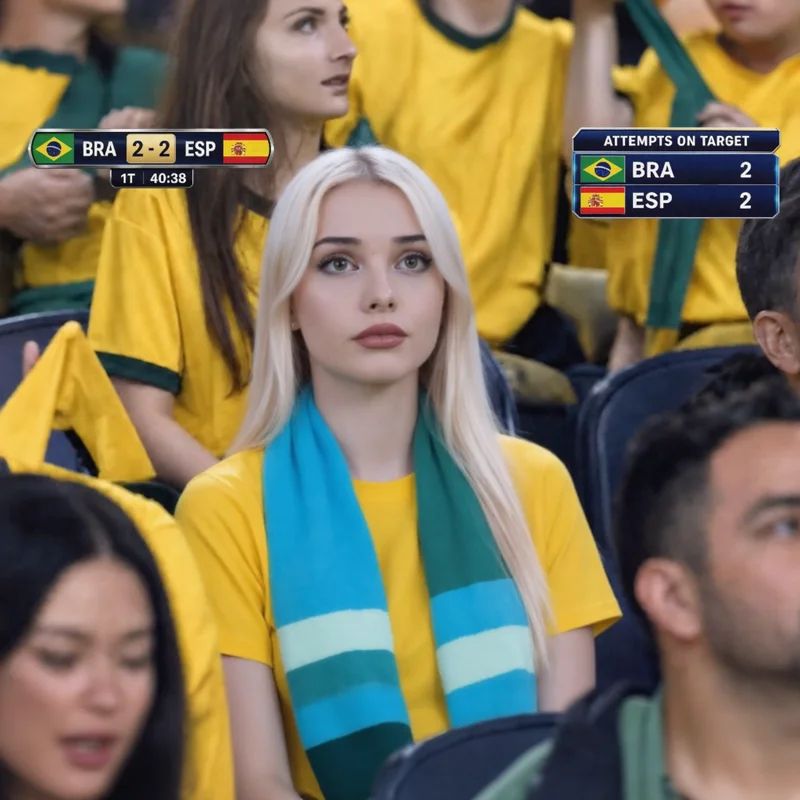
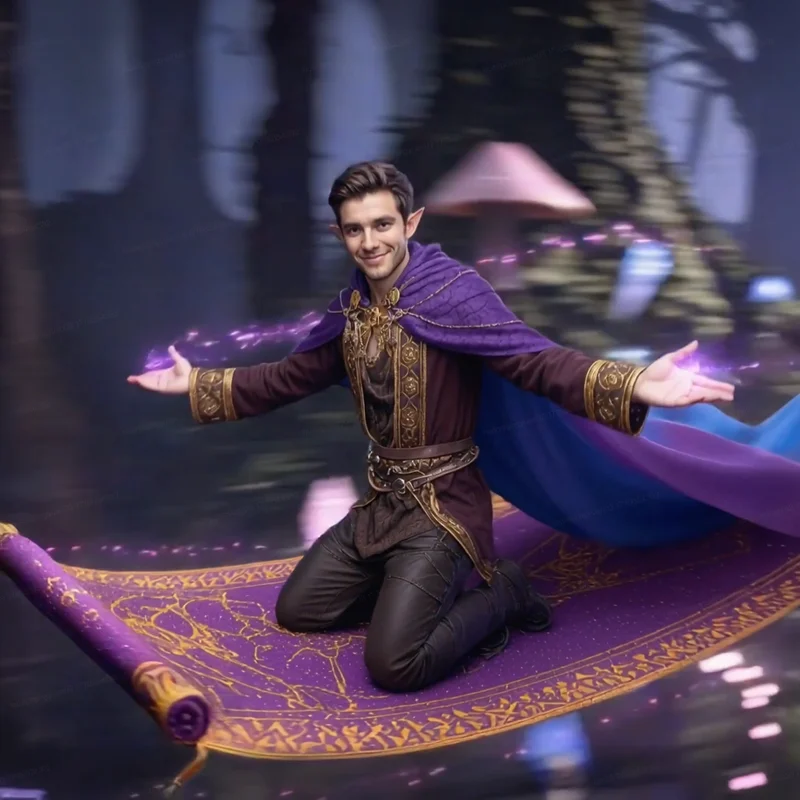
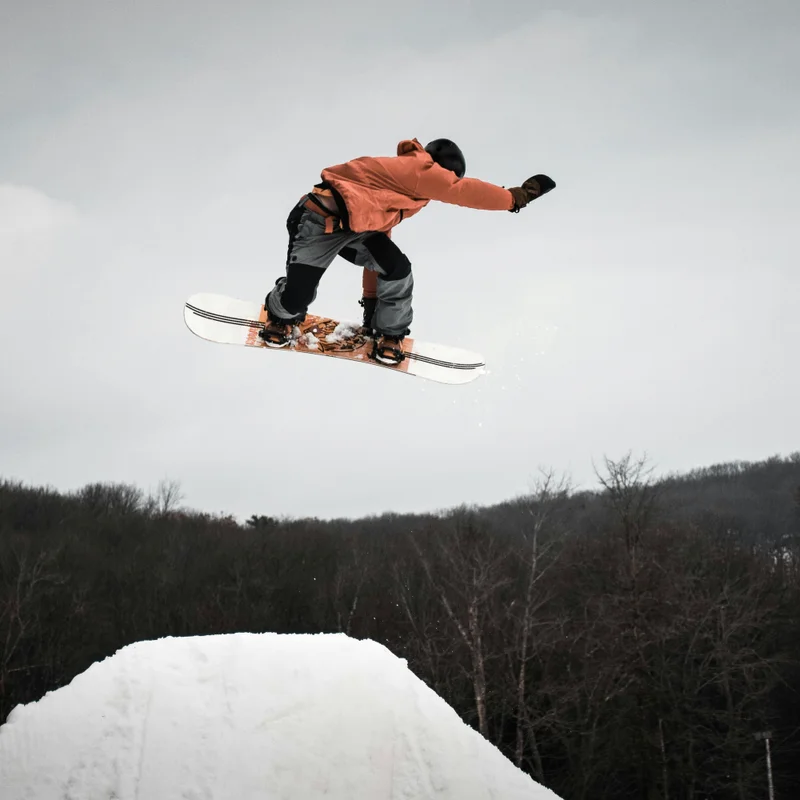
This is an example effect you can create. Upload your image to start creating!
Bullet Time 360 AI Video Effect
Apply the Bullet Time 360 Kling scene to your photo and generate a video with one upload.
How to create a Bullet Time 360 video
Upload your photo
Upload a clear photo of a person, animal or object.
Choose output settings
Kling sets the duration, resolution and audio for this scene.
Generate Bullet Time 360
Generate your Bullet Time 360 video, then preview and download the result when it is ready.