
Google Veo 3 AI Video Generator
Google Veo 3 is a cutting-edge AI video model capable of generating high-quality, photorealistic audio-visual content. Launched in May 2025 at Google I/O, it represents a significant upgrade over its predecessor, Veo 2. Experience Veo 3 for free on VideoWeb today!
Text to Video
Key Features of Veo 3
Native Audio Generation
Generate speech, ambient sounds and background music that are automatically integrated into the generated videos.
Create Viral-Worthy Content
Produce playful “fake news” clips or time-travel shorts that help you earn more likes and shares.
Advanced Prompt Understanding
Precisely interpret complex prompts and accurately recreate the visual details and narrative intent you envision.
Video Reference & Character Consistency
Generate character-consistent videos based on reference materials while maintaining stable character appearance and design.
Precise Style Control
Control the overall artistic style based on reference images to match your aesthetic and brand tone.
Camera Control
Specify camera movements such as pan, zoom, and tracking shots to generate videos with clear cinematic language.
Frame-to-Frame Generation
Generate smooth, seamless video transitions between two uploaded images.
Native Audio Generation
Veo 3 can create and integrate audio directly into generated videos, including sound effects, ambient sounds, and character dialogue with lip-sync. This brings new levels of immersion and realism, solving a major limitation of previous AI video tools that lacked integrated audio.
Make Viral Content
Create captivating viral videos in minutes. Veo 3 lets you craft fun “fake news,” time-travel history shorts, or even talking-animal videos—with perfect audio-video sync and cinematic quality, ready to earn likes and shares effortlessly.
Advanced Prompt Understanding
Veo 3 can interpret complex, narrative-rich prompts with high precision. Users can describe detailed scenes, character actions and story elements in everyday language, and the model converts these into coherent video clips.
Video Reference and Consistent Characters
Veo 3 supports reference-driven video generation, allowing users to provide images of characters, scenes, objects or artistic styles as visual references for the AI. This ensures characters and elements maintain visual consistency across multiple clips or scenes.
Precise Style Control
Using reference images or style prompts, Veo 3 allows creators to control the artistic style of video output. Whether you want photorealistic effects, cartoon animation or a specific cinematic style, you can guide the AI's rendering by uploading style reference images to match your vision.
Camera Control
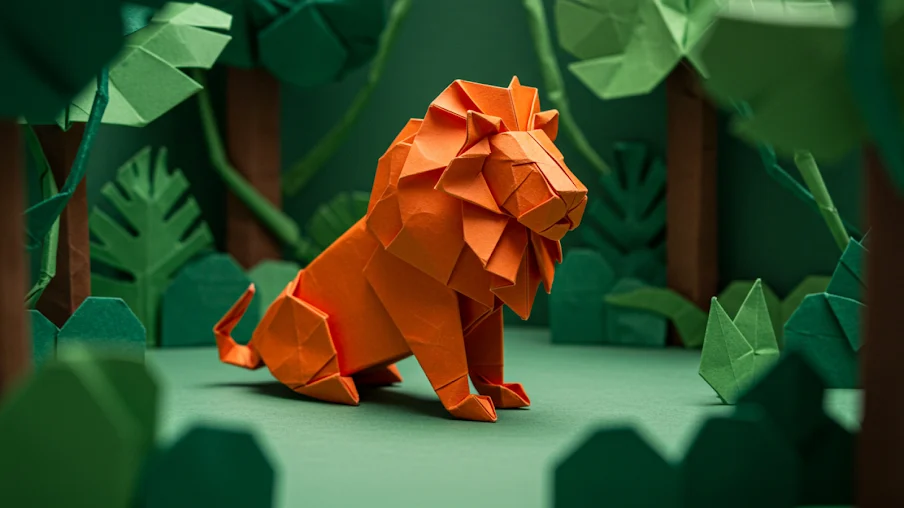
Users can specify camera movements, such as panning, zooming and angle shifts. This enables filmmakers to create cinematic shots with dynamic perspectives and smooth transitions, enhancing storytelling effectiveness.
Frame-to-Frame Generation
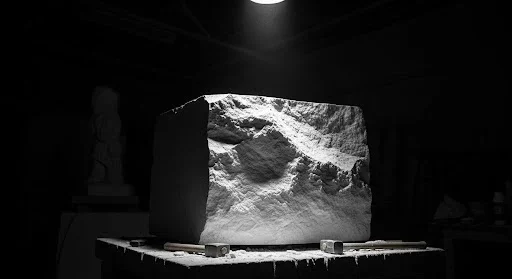
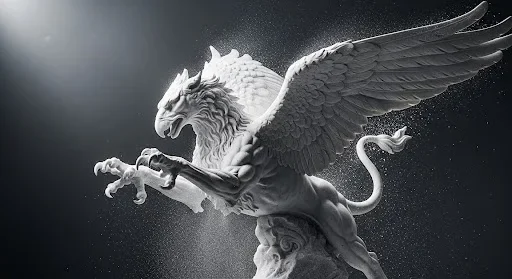
Veo 3 can generate seamless video content between two uploaded frames. This ensures smooth transitions and continuity from the first to the last frame of the sequence, which is crucial for coherent storytelling.
How to Use Veo 3 on VideoWeb
No video editing experience needed—follow the steps to create professional videos quickly.
Select Veo 3 Model
Open the “Image to Video AI” page and choose “Veo 3” in the model dropdown.
Enter Prompt or Upload Reference Image
Describe the visuals you want to create and choose video settings like duration and quality as needed.
Download and Share
Click “Generate Video,” then download or copy the link to share once it’s ready.
FAQ
Still have questions? Email us and we’ll get back to you soon.