
Kling AI Video Generator
Kling AI is an advanced text-to-video generation tool developed by Kuaishou, a leading Chinese short-video platform. Since launch, it has generated over 10 million videos. It helps you create smooth motion and lifelike visuals with professional-grade output. Try Kling AI for free here!
Text to Video
Kling AI features
From prompt or image to the screen
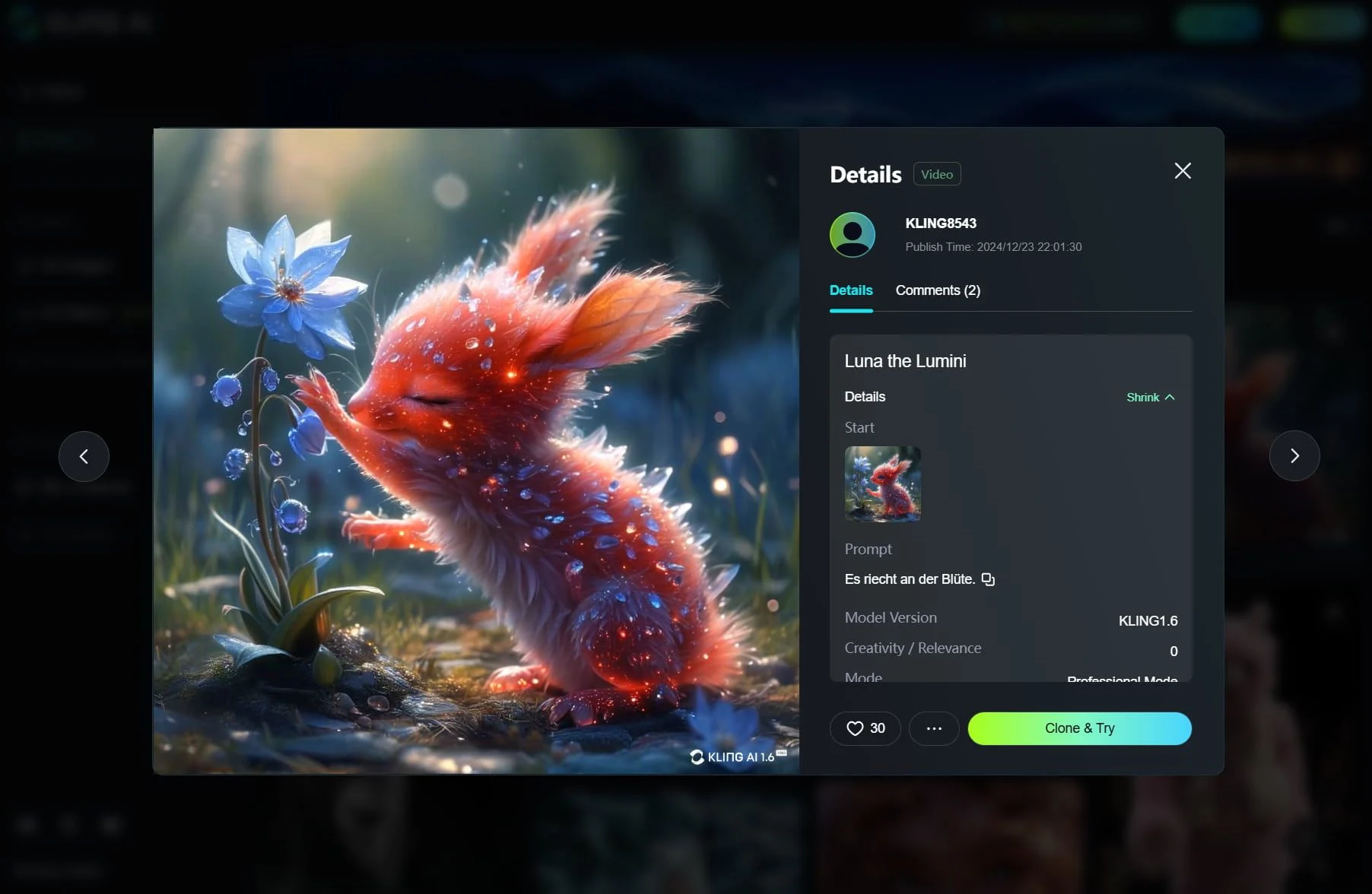
With a simple text prompt, Kling AI can generate cinematic video clips that match your requirements, including high-quality visuals and voiceover. You can also upload an image, and the tool will transform it into a realistic simulation with a smooth frame rate in just minutes.

How to try Kling AI on VideoWeb
No editing skills required—follow the steps to quickly create videos.
Select a Kling model
Open the Image to Video AI page and select "Kling 2.5 Turbo Pro" from the model dropdown menu.
Enter prompts or upload a reference image
Describe the scene you want to generate and choose duration, resolution, and other video settings as needed.
Generate, download, and share
Click "Generate video"—when it’s done, download it or copy the link to share.
Frequently asked questions
Still have questions? Email us and we'll get back to you soon.